🏫
Schools and daycare centers
Quick response for emergencies involving children and staff.

Who we are
Accidents, threats and emergencies happen. Our system lets you ask for help in seconds by pressing a single button — no numbers, passwords or lists.
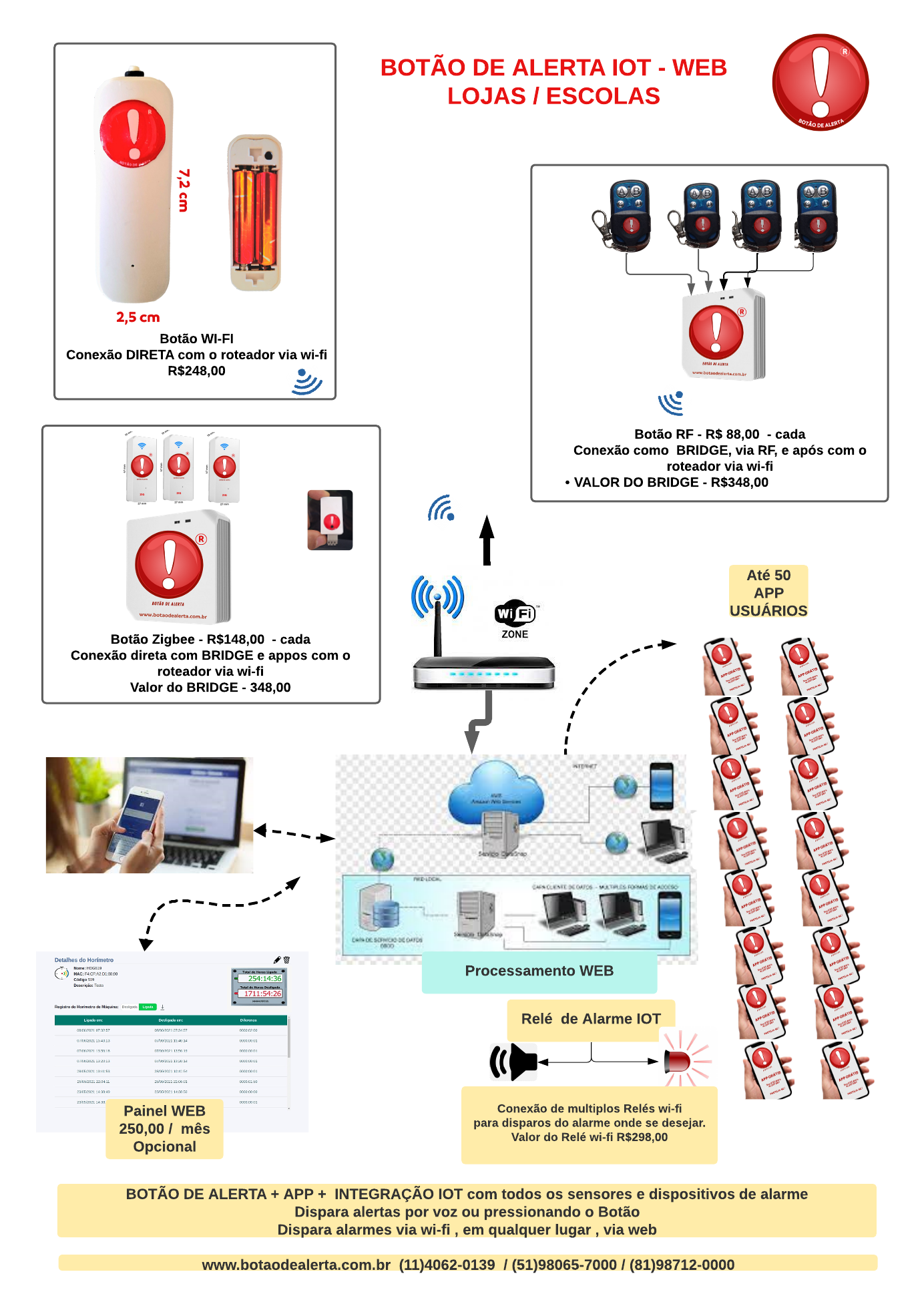
The Alert Button is a robust and versatile solution for safety and emergency response. Its combined architecture (app + physical buttons + hub) provides redundancy and flexibility, while the model of broadcasting to a large network of contacts makes it ideal for organizations that need to cover many people simultaneously.
Furthermore, the fact that it is legally registered and certified strengthens its reliability for corporate or institutional use. On the other hand, like any security system, it depends on maintenance (battery, connection) and good planning to be effective when an emergency actually occurs.
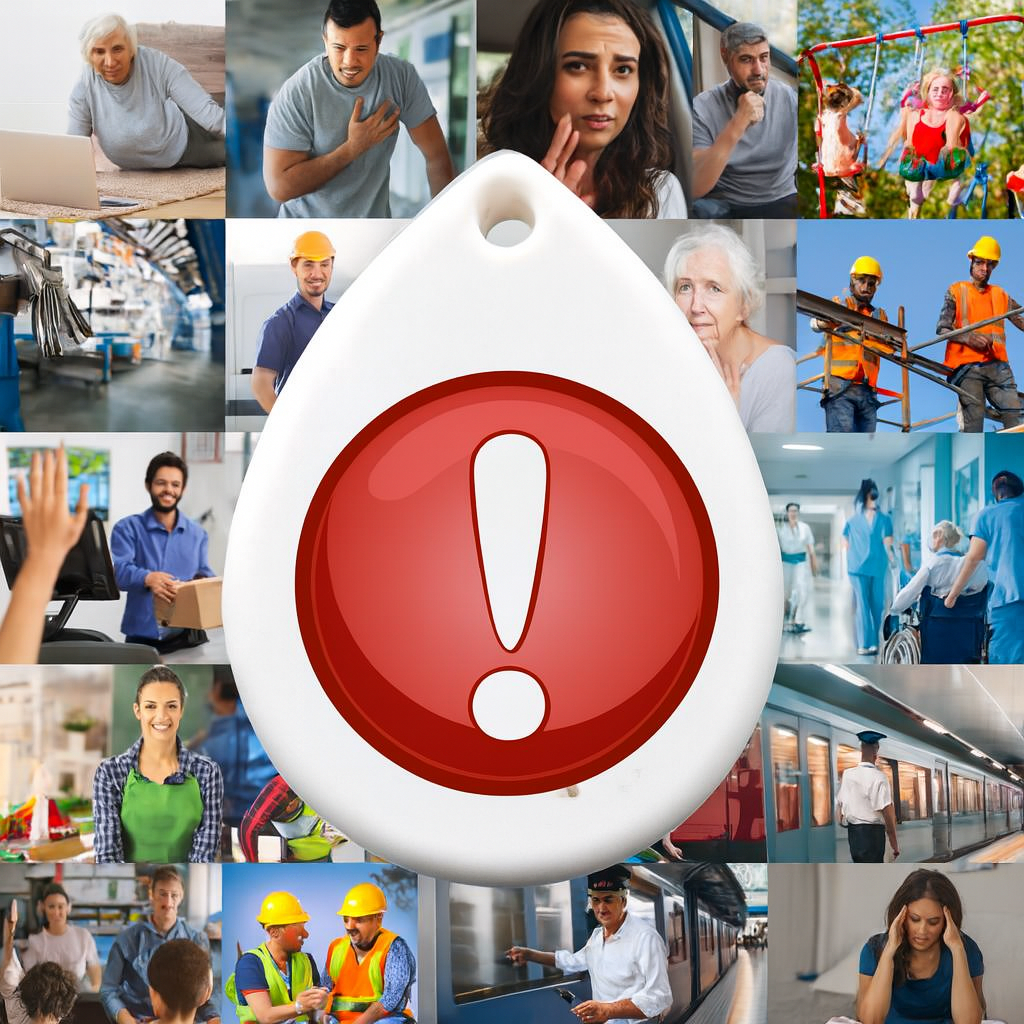
We are exposed to incidents involving employees, customers and visitors, and to risks such as robberies, fights, intrusions, fires, falls and sudden illness. In places with heavy foot traffic — or with children, elderly people and patients — response time is critical.
When an emergency happens, you need to alert people quickly by pressing a single button, without searching for contacts, trying to remember passwords or wasting time. That is exactly what our system delivers.
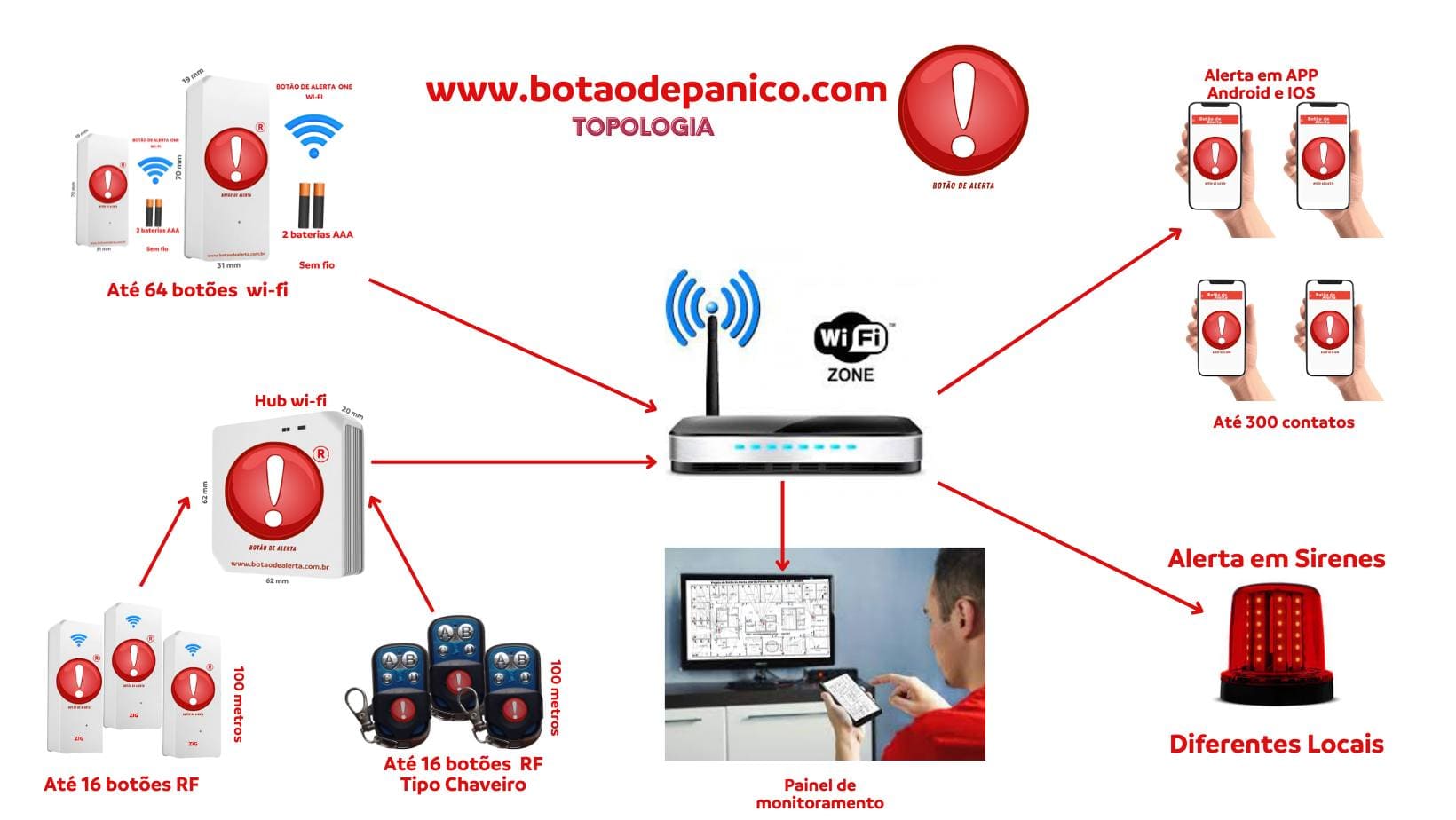
With a simple tap, the Alert Button notifies via internet all phones that have the Alert Button App installed. The device has a Wi-Fi transmitter and sends the automatic help request to your organization’s contacts.
This way, anyone in homes, factories, offices, reception areas, guardhouses, clinics and hospitals can request help instantly — even without a phone nearby.
Quick response for emergencies involving children and staff.
Support for patients, healthcare professionals and critical areas.
Operational incidents, falls, sickness and asset security.
Support in cases of robbery, fights, panic and first aid.
Integration with security posts and fast team communication.
Immediate help in cases of falls and domestic emergencies.
Everything a rapid response system needs to have — and that the Alert Button already delivers today.
Designed for any audience, even people with little familiarity with technology.
Triggering strategy that ensures fast communication with multiple contacts at the same time.
Does not require wall breaking, extensive cables or environment shutdown for system installation.
Multiple devices and channels ensuring more than one way to trigger an emergency.
Registered trademark and certifications that provide support for use in corporate and public environments.
Even being a solution focused on agility, the Alert Button depends on some technical factors and correct use to perform at maximum capacity.
If the hub and buttons depend entirely on the connection, network failures can delay or prevent alerts in critical situations.
Wireless buttons powered by batteries require periodic maintenance to avoid failing when they are most needed.
Voice activation works best when users know the code and have practiced, reducing errors in high-stress moments.
Even without sharing with third parties, care is needed in storing contacts and user network information.
Real-life situations where the system makes a difference — from personal and home use to corporate, industrial, and large event environments.
Allows them to trigger immediate help in case of a fall.
✔ Prevents them from spending hours without assistance.
Quick activation in case of emergency.
✔ Ensures fast response when they cannot move.
Discreet button to call for support.
✔ Can save lives by silently alerting the police or neighbors.
Immediate medical help activation.
✔ Reduces time without care, increasing survival chances.
Burns, falls, or cuts.
✔ Alerts the safety team instantaneously.
Employees trigger alerts on machines.
✔ Shuts down systems and calls for help.
Accessible button in dining areas (restaurants, schools).
✔ Prevents deaths by asphyxiation.
User presses upon feeling initial symptoms.
✔ Response time is critical to prevent lasting damage.
Educators trigger quickly in case of serious falls.
✔ Minimizes damage and alerts parents or first responders.
Button inside the vehicle.
✔ Alerts central in case of an accident or incident.
Activation by any citizen.
✔ Helps in cases of violence or sudden illness.
Buttons in garages, stairs, and corridors.
✔ Helps in accidents or suspected robberies.
Hidden button for driver or passengers.
✔ Alerts police without causing panic.
Residents trigger when they feel threatened.
✔ Increases security at gates and entrances.
Button connected to the security system.
✔ Helps in power outages or breakdowns.
Professionals trigger rapid support teams.
✔ Reduces risk in clinical emergencies.
Patients training alone can ask for help.
✔ Prevents falls without assistance.
Trigger in case of sudden illness while training.
✔ Can save lives during intense exercise.
Quick support in anxiety crises or allergic reactions.
✔ Immediate help to the patient.
Patients or staff trigger in crises.
✔ Prevents self-harm or serious incidents.
Emergency stop in case of machine accident.
✔ Prevents serious injuries and amputations.
Fast activation in critical environments.
✔ Reduces the risk of fires or leaks.
Falls, forklift accidents.
✔ Immediate help request.
Workers trigger button attached to PPE.
✔ Helps in falls from height or burials.
Internal activation for anyone trapped inside.
✔ Prevents hypothermia or asphyxiation.
Automatically shuts down system.
✔ Prevents poisoning and explosions.
For burials, fainting, lack of oxygen.
✔ Quick response prevents deaths.
Driver triggers in case of overturning.
✔ Activates emergency team.
Activation in remote locations.
✔ Prevents accidents from going unnotified.
Button triggers help above the surface.
✔ Essential for saving lives.
Discreet button against robberies.
✔ Silently triggers the police.
Activation in suspicious situations.
✔ Increases establishment security.
Employees trigger in case of aggressive guests.
✔ Protects staff and other guests.
Managers trigger in emergencies.
✔ Rapid medical support.
Portable device with tracking.
✔ Triggers protection team.
Teachers call for help in incidents.
✔ Fast response time for students.
Accidents during training.
✔ Immediate help prevents worsening.
Alert points scattered throughout the venue.
✔ Assist in fainting, riots and fights.
Staff triggers discreetly.
✔ Prevents panic and speeds up assistance.
Fans or staff trigger.
✔ Fast response in medical crises.
Trigger in case of accident or robbery.
✔ Immediate help via central.
Driver uses in risky situations.
✔ Increases vehicle security.
Help in falls, drownings or fire.
✔ Can save lives at sea.
Button attached to the jacket.
✔ Help after accidents without witnesses.
Drivers trigger emergency team.
✔ Speed in passenger care.
Parents trigger upon detecting risk.
✔ Prevents drowning.
Fast activation of firefighters.
✔ Reduces damage and saves lives.
Immediate help in choking and falls.
✔ Peace of mind for parents.
Trigger upon feeling the aura of the crisis.
✔ Helps avoid falls and trauma.
Caregivers trigger in emergency.
✔ Minimizes risk of worsening.
The Alert Button can be installed anywhere with internet access via Wi-Fi. Companies, hospitals, clinics, guardhouses, schools, stores and homes gain an immediate assistance device, increasing safety and peace of mind for everyone.
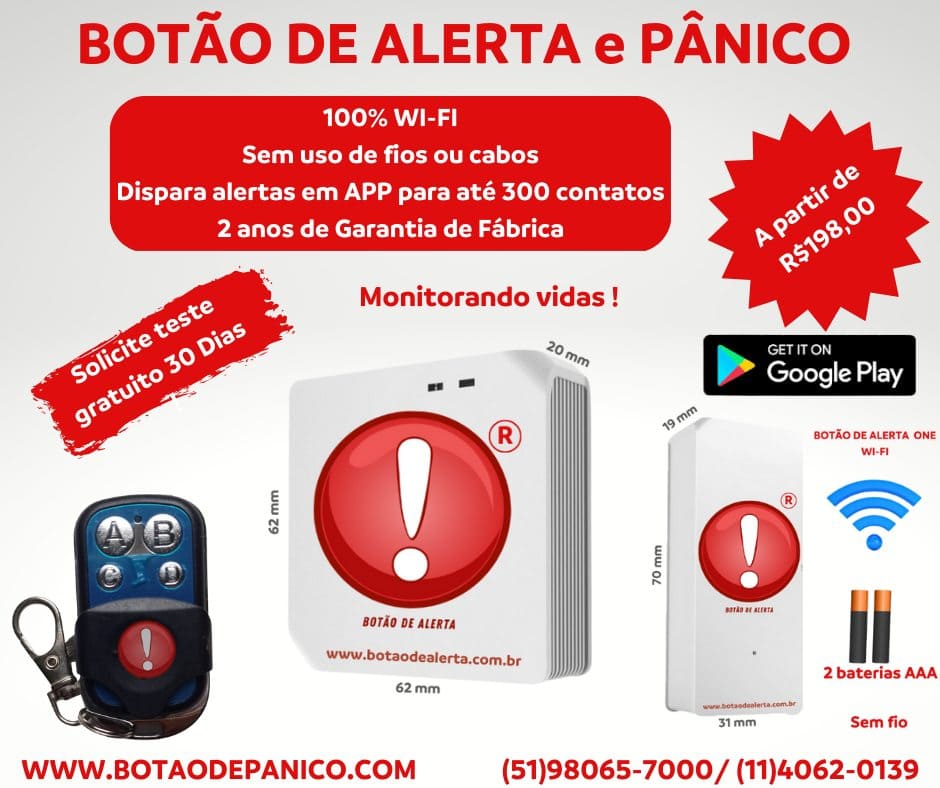
Ready to test it in your environment? We can recommend the ideal kit.
